View and manage feature configurations
There are several features and capabilities integrated into Expedia TAAP that are designed to enhance your agency's operations and engagement. You can view and manage your agency-level settings to meet your agency's unique workflows and preferences.
1. Access 'Agency management' tools
Sign in to Expedia TAAP, open the TAAP Menu and select Agency management.
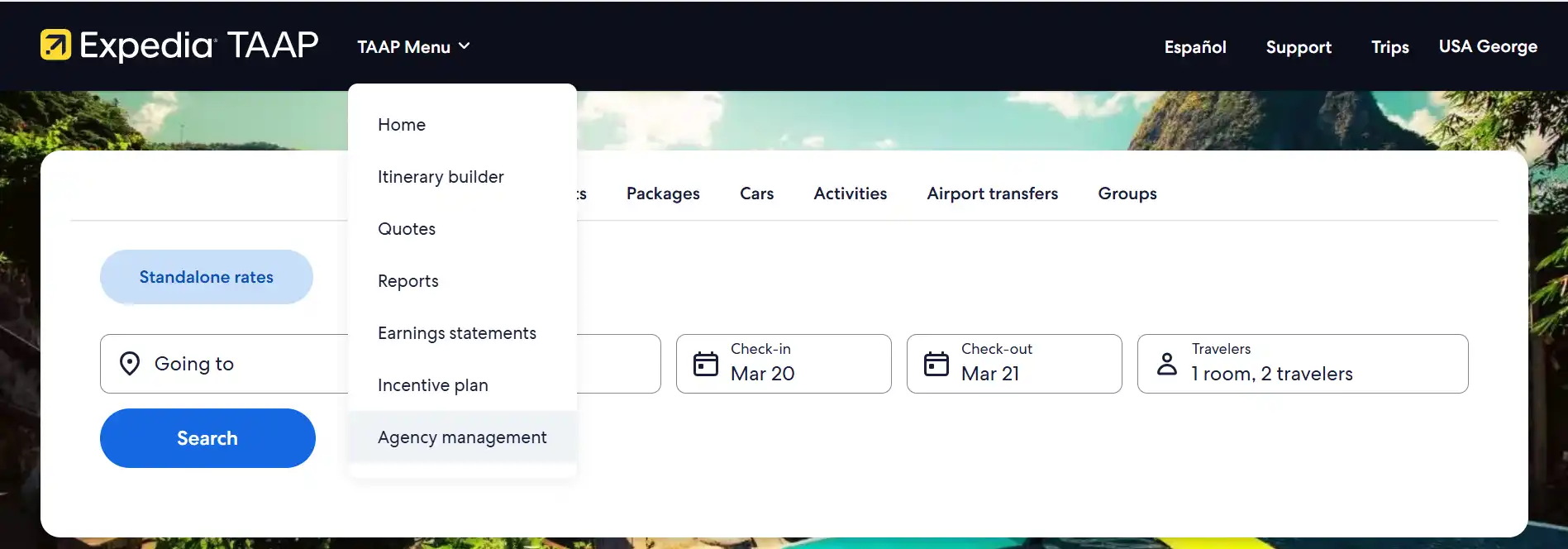
You will be redirected to the agency management app in the partner portal.
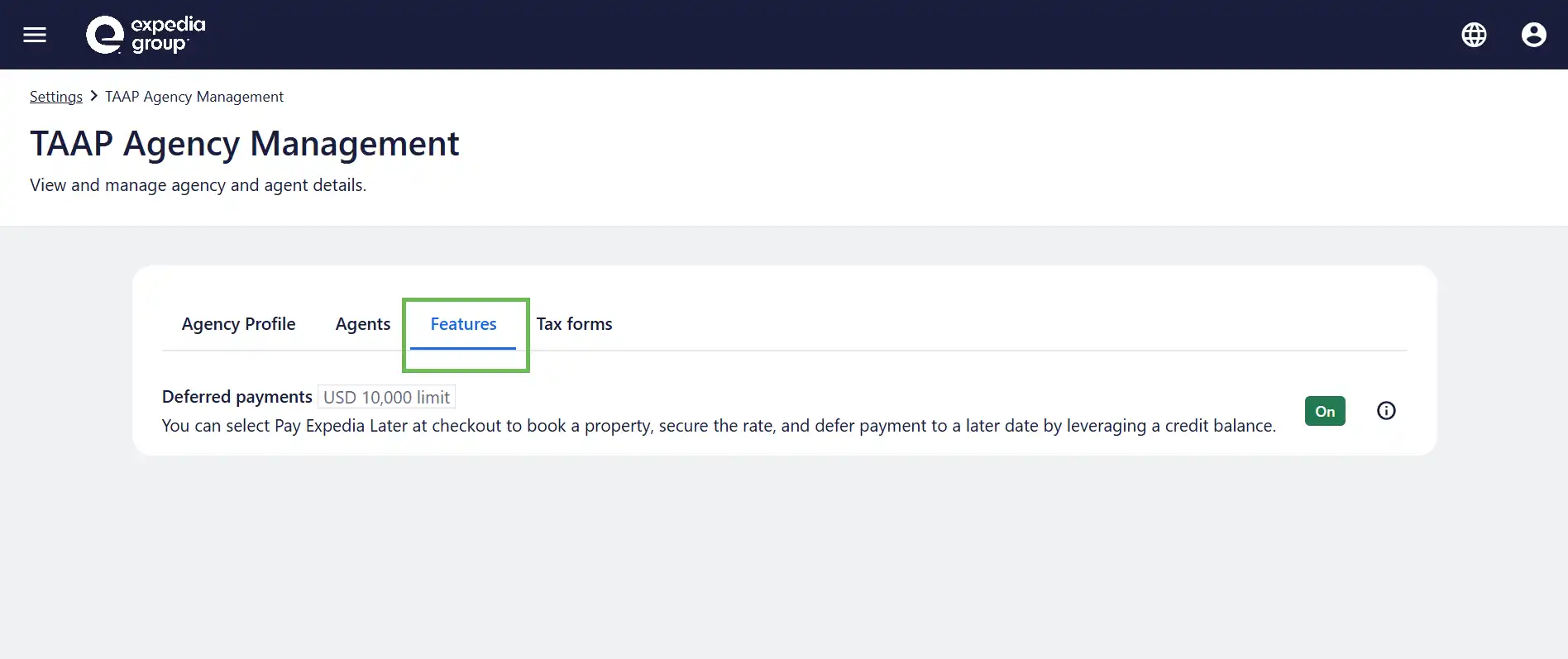
2. Click on the 'Features' tab
From the Features tab, you will be able to view and manage agency-level settings for select features available with Expedia TAAP. New features may be added in the future.